Maintain once
Changes in Staymate are automatically reflected in your embedded widgets.
Staymate Widgets Your experiences. Where your guests plan and book.
Share experiences. Build anticipation.
Bring your Staymate experiences to hotel websites, landing pages, offer pages and guest portals.
Maintained once. Visible in many places. Bookable on request.
Experiences on your website
Your weekly programme
Anticipation starts with a concrete idea
A guided morning hike. A tasting at the hotel. Your team's favourite spot. Show what a stay with you could feel like. Staymate widgets bring these experiences from your guest app to other relevant points in your digital guest communication.
Changes in Staymate are automatically reflected in your embedded widgets.
Give guests concrete ideas for their stay with selected experiences, personal recommendations and offers from your hotel.
Connect inspiration with a next step: discover details and, depending on the configuration, enquire, sign up or book.
Before booking. While planning. During the stay.
A hiking tip can inspire a holiday. A weekly programme can make planning easier. Use the same Staymate content in several relevant places.
01 / DISCOVER
Show guests what to expect on your homepage. Expand on holiday ideas on your wellness, dining or activity pages.
For example Selected tours and excursion destinations directly on your hiking page.
02 / EXPLORE FURTHER
Give seasonal promotions and themed weeks concrete content. Relevant experiences show what your offer includes.
For example Hikes and events on a landing page for an active autumn holiday.
03 / DECIDE
Add relevant experiences to web-based offer pages and supported booking journeys. Guests can see what they can do locally while making their decision.
For example The weekly programme alongside the holiday offer, provided your system supports embedding.
04 / PLAN THE STAY
Present activities, treatments and recommendations before arrival and during the stay. Widgets can also be embedded in other providers' web-based guest portals if the system allows it.
For example The current weekly programme and wellness offers available to request in the guest portal.
Sliders, lists, forms & more
Bring experiences to life, make programmes easy to browse and simplify the next step. Choose the format that fits your content and where it will appear.
SPECIFIC RECOMMENDATIONS THAT BRING YOUR REGION TO LIFE
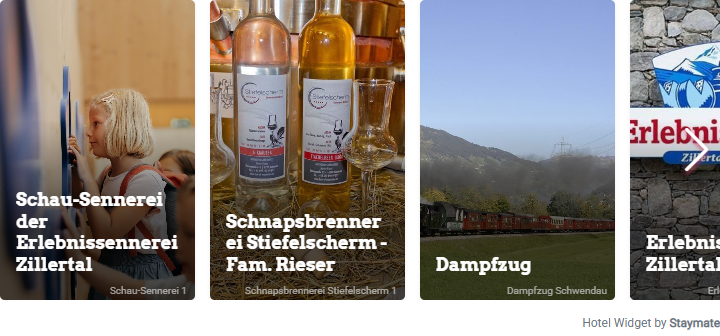
The hike with the best view. Your team's favourite spot. Image-rich sliders make specific recommendations and offers visible on your website.
IDEAL FOR
Your homepage or a hiking and activity page
Interactive example with demo content.
The live view loads when you scroll to this example.
RECOMMENDATIONS AT A GLANCE
Display several recommendations or offers in a clearly structured list. Guests can quickly explore places, activities and information around your hotel.
IDEAL FOR
A page with excursion ideas or regional recommendations
WHAT YOUR GUESTS CAN EXPERIENCE DURING THEIR STAY
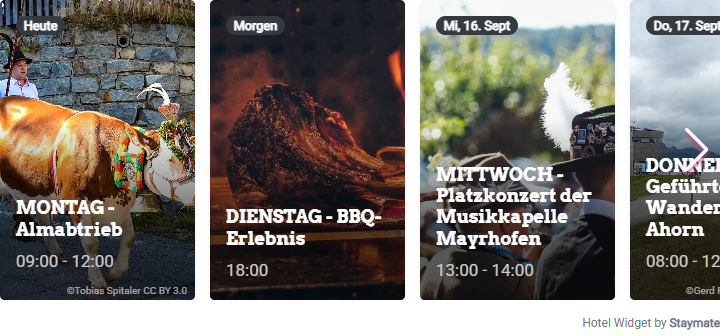
Make your existing Staymate weekly programme publicly visible. Guests discover activities, events and programme highlights, including bookable entries when configured accordingly.
IDEAL FOR
Your activity page or weekly programme page
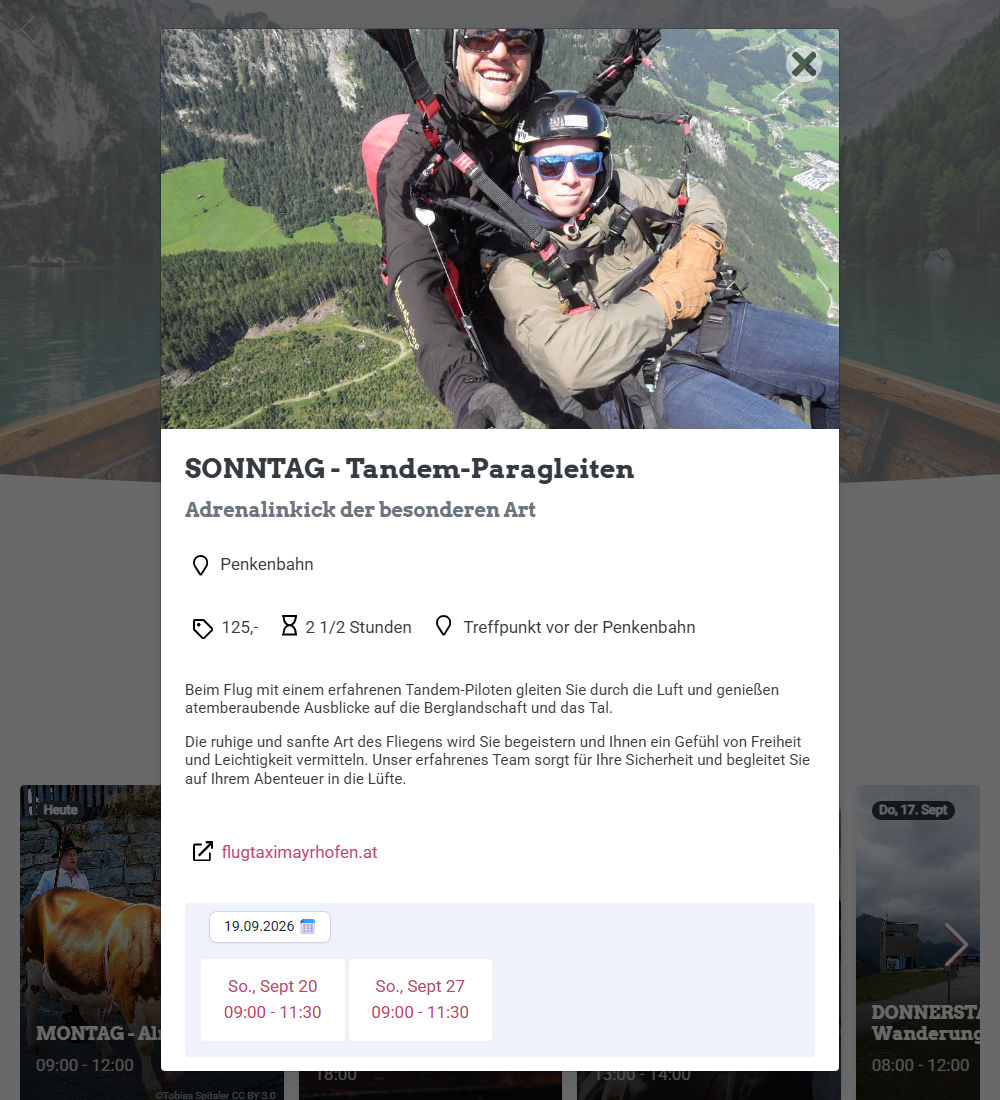
Interactive example with demo content. Click a programme item to open its details.
The live view loads when you scroll to this example.
Tandem paragliding example from the EDELWEISS demo's weekly programme.
FROM INTEREST TO A SPECIFIC REQUEST
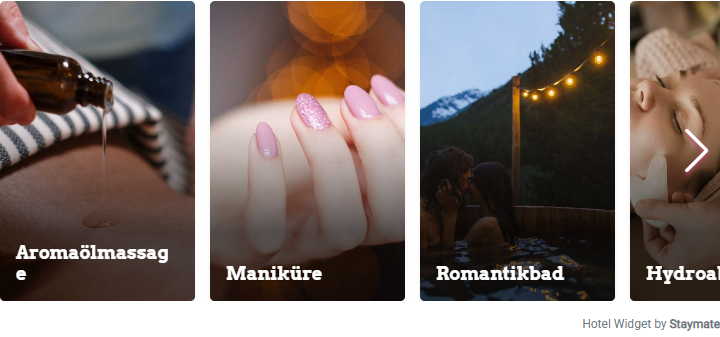
Embed enquiry and booking forms where guests discover your offers. Treatment appointments and other suitably configured services become accessible directly through your website.
IDEAL FOR
Your wellness, offers or contact page
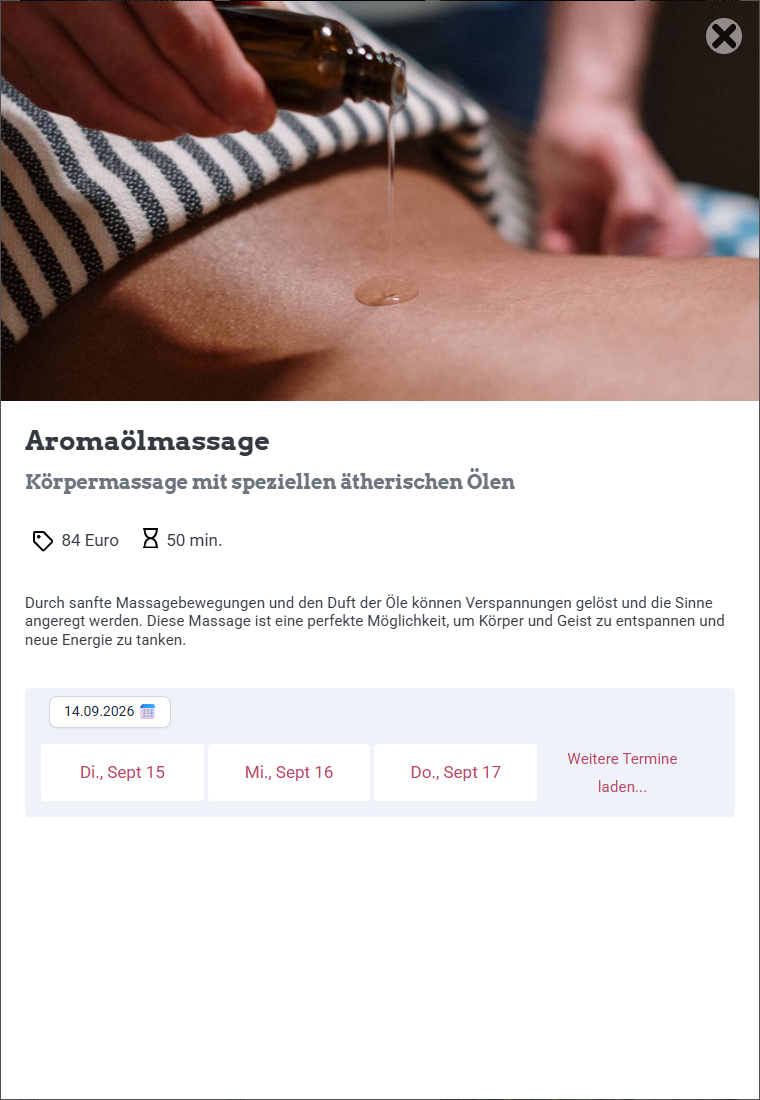
Interactive example with demo content. Select a treatment to open its details and available appointments.
The live view loads when you scroll to this example.
ANSWERS WHERE QUESTIONS ARISE
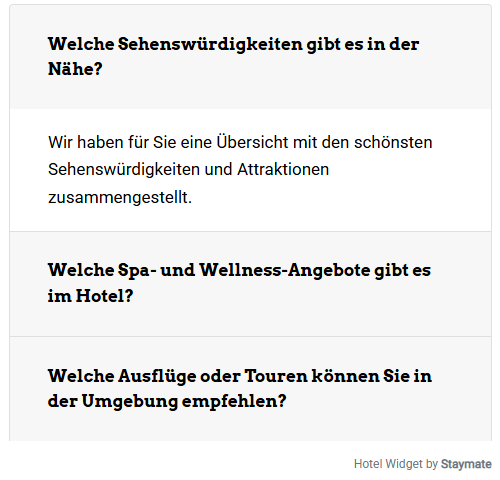
Show your Staymate questions and answers on your website too. Guests can find helpful information on your service, information or another relevant page.
IDEAL FOR
Your service or guest information page
Interactive example with demo content.
The live view loads when you scroll to this example.
Your website. Your content. Your presence.
Choose content, presentation and placement to suit your website.
01 / DESIGN
Adjust the appearance using each widget's settings. Some formats also support custom CSS.
02 / LANGUAGES
Widgets support multilingual content and automatic translation. Check your chosen language directly in the preview.
03 / PLACEMENT
Use selected content on multiple webpages and in supported portals. Maintain the shared source content centrally in Staymate.
04 / CONTENT
Make experiences concrete: what can guests expect, where does it take place and how can they participate? Add the relevant information to your Staymate content.
On your website in three steps
You look after the content. Your website agency handles the technical integration.
In Staymate, choose the widget type and the content you want to show on your website.
Adjust the available display options and check the result in the preview.
Pass the provided code to your website agency. You then maintain the shared content in Staymate.
Good to know
On hotel websites, themed and landing pages, web-based offer pages and guest portals. Placement within the booking journey is also possible if the system permits the required HTML and JavaScript code there. Your technical support team checks compatibility for your setup.
No. Widgets can also display recommendations, excursion destinations and other informative content. Add enquiry, registration and booking options where they are intended for your offer and configured accordingly.
You do not need to edit the content your widget pulls from Staymate again on your website. Changes to this source content are automatically reflected in the widget.
Weekly programme entries and treatment appointments can be made bookable depending on the configuration. Visitors start an enquiry or booking on your website through enquiry and booking forms. We are happy to help determine the right process for your offer.
Your website must support the provided HTML and JavaScript code. Your website agency or technical support team can check the requirements and embed widgets where needed.
Yes. Multiple widgets can be placed on a page. Your technical support team should include each required JavaScript bundle only once. The FAQ widget uses its own bundle.
Available design settings depend on the widget type. Some formats support custom CSS. Widgets are multilingual and support automatic translation. Talk to us about the languages and options for your use case.
Your experiences deserve attention
We show you how to make your experiences visible on your website, in offers and in supported guest portals.